 FigPPT
Figma to PowerPoint, fully editable
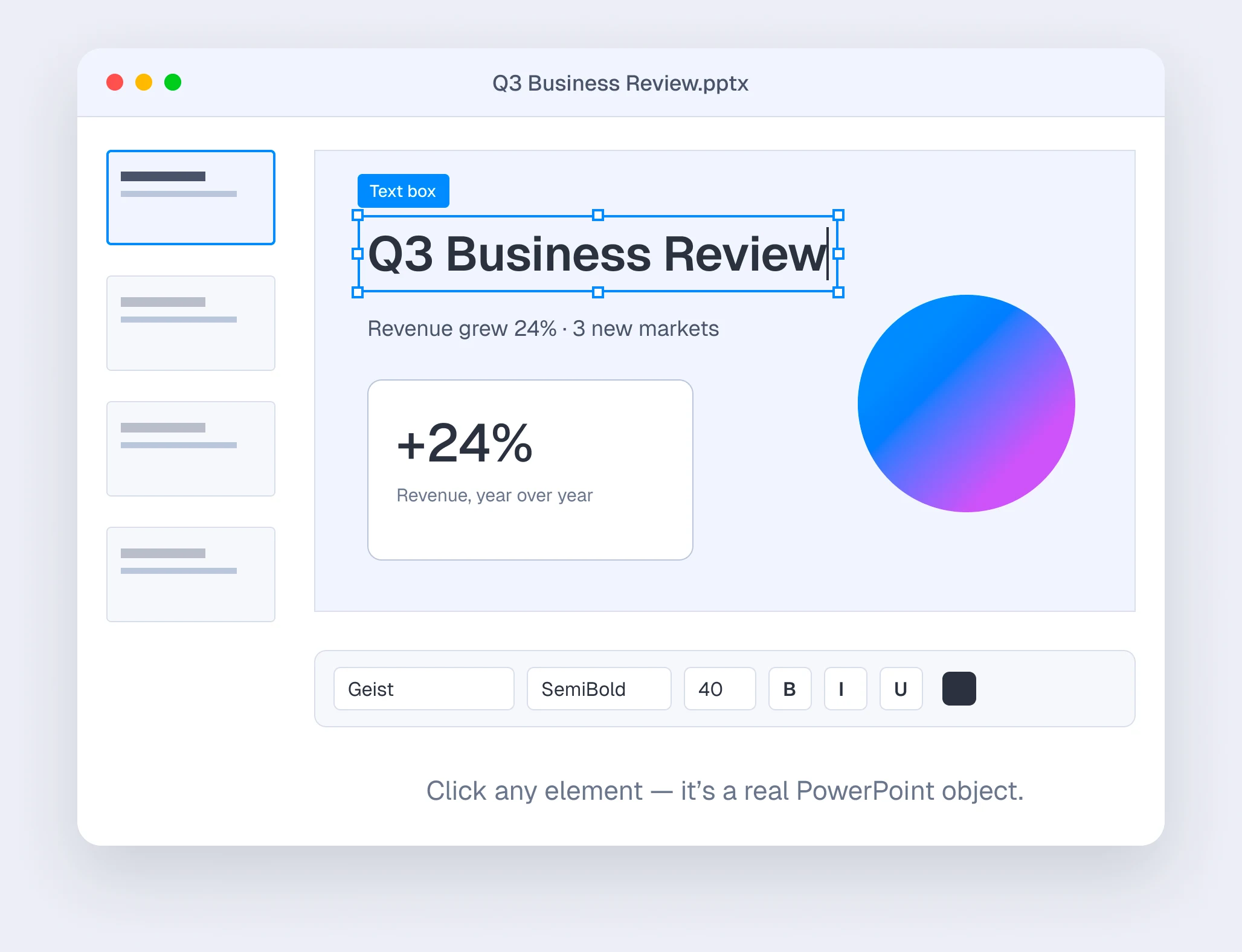
Export frames as native slides — real text, shapes and images you can keep editing in PowerPoint and Keynote.
30 slides free · No card needed
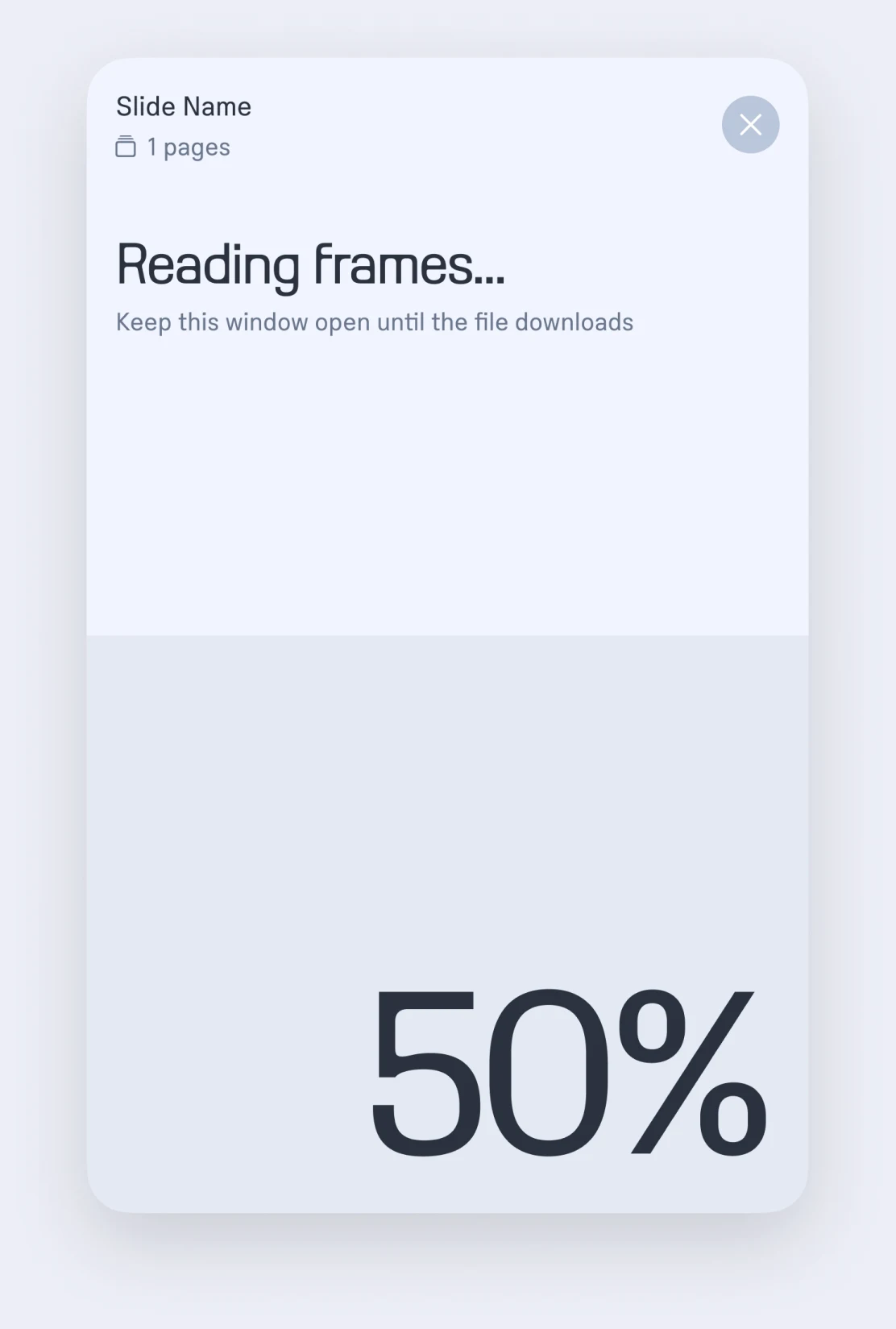
Select frames. Get an editable .pptx.
No screenshots, no rebuilding slides by hand. Each frame becomes one slide.
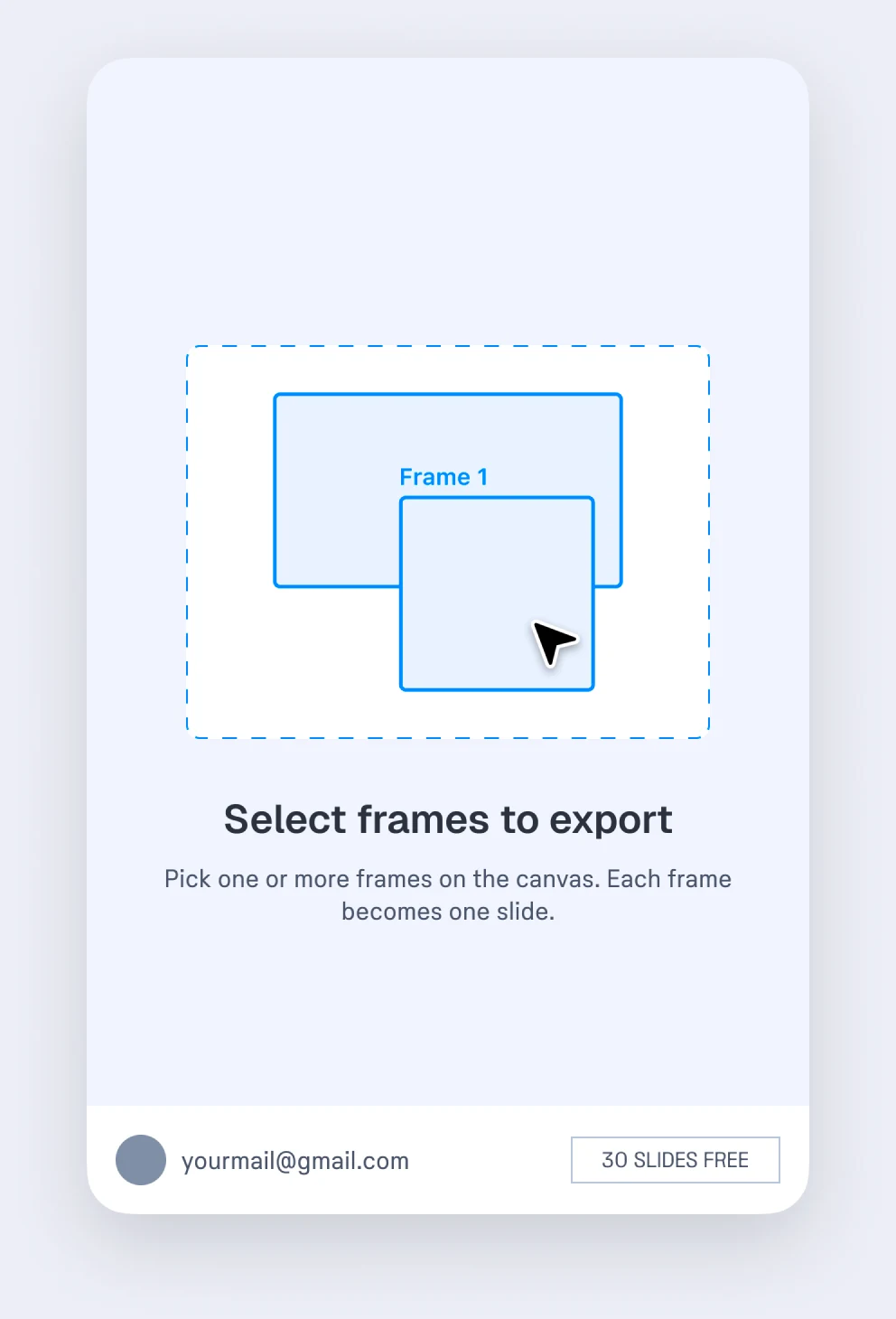 01 · Select frames
Pick frames or a whole section
Each frame becomes one slide, in the order the frames sit on the canvas.
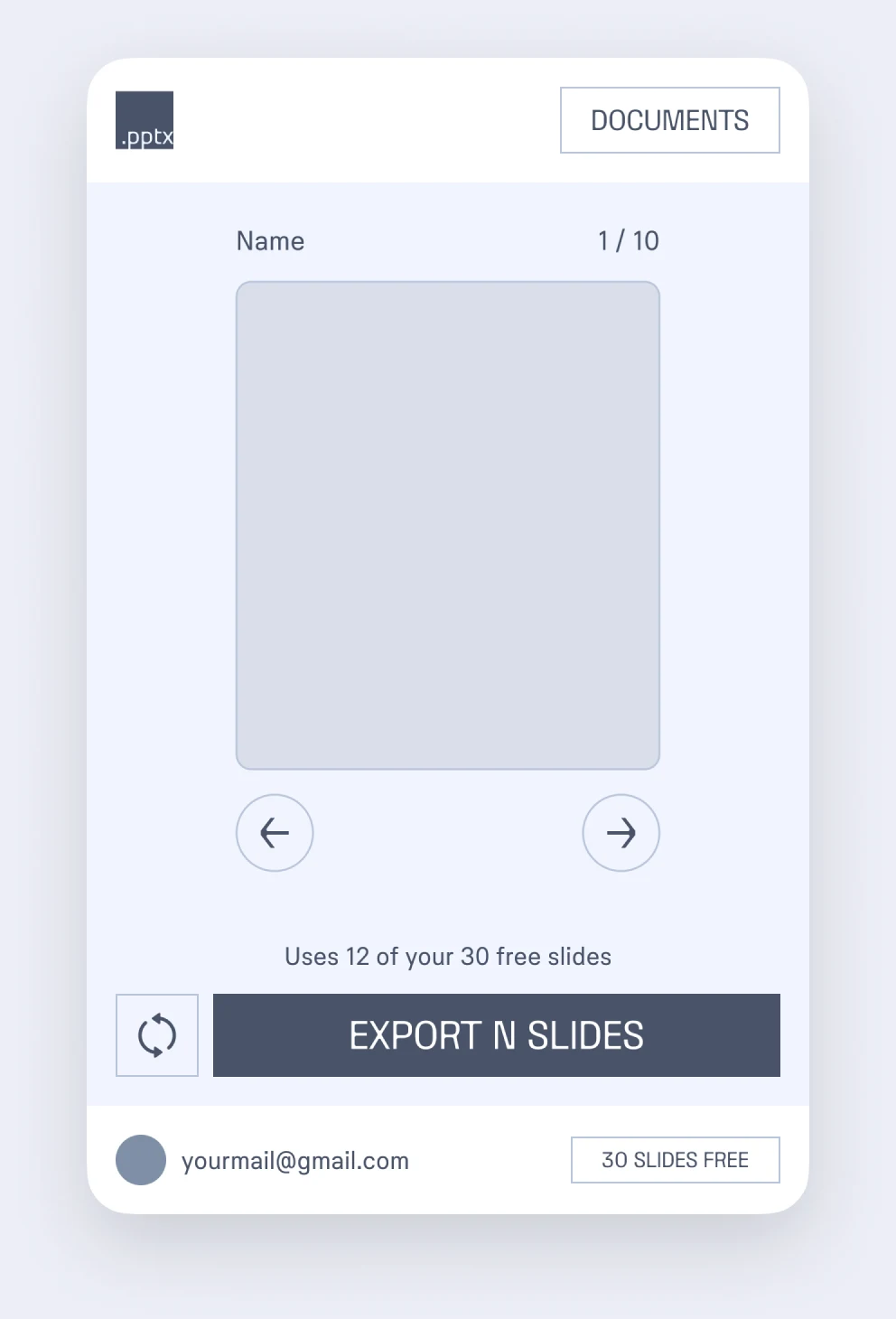 02 · Export
The deck is built right in Figma
Conversion happens inside the plugin window on your computer — your design isn’t sent anywhere to be converted.
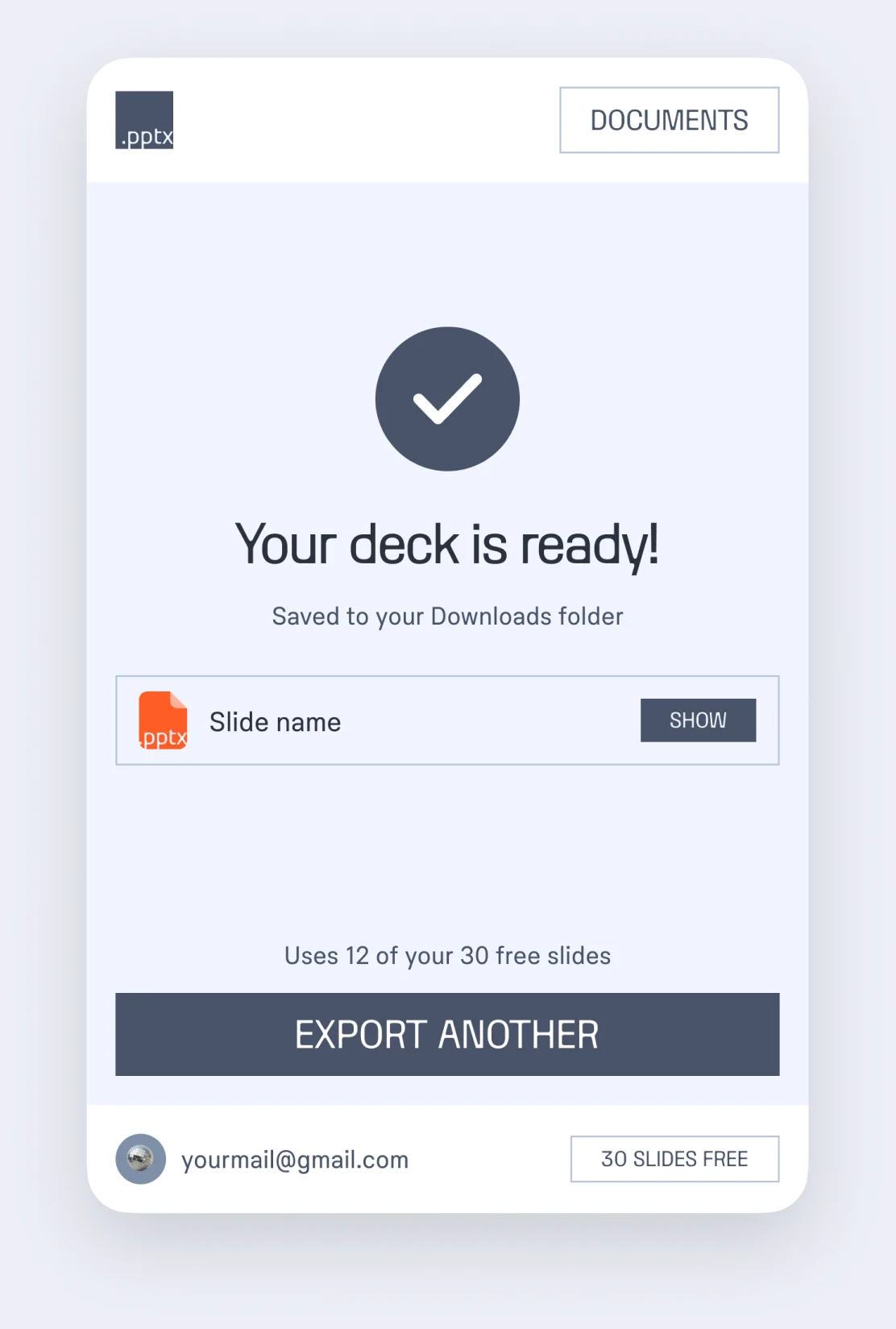 03 · Open in PowerPoint
Download and keep editing
The .pptx lands in your Downloads folder, and every export gets a shareable link.
Editable, not flattened
- Text stays textFonts, sizes, colors, line and letter spacing, alignment.
- Shapes stay shapesSolid and gradient fills, borders, dashes, rounded corners.
- Images keep their cropFill and fit, including round and rounded images.
- Icons stay sharpVectors are exported as SVG, with a PNG fallback for older PowerPoint.
- Sections become sectionsYour deck keeps the structure of your Figma file.
Simple pricing
Start with 30 free slides. No card needed.
- Every feature included
- No card needed
- Unlimited slides
- Cancel anytime
- Unlimited slides
- $4.17 a month
- $15 for 100 slides
- Credits never expire
1 credit = 1 slide · Secure payment by lava.top · Cancel anytime
Every export gets a link
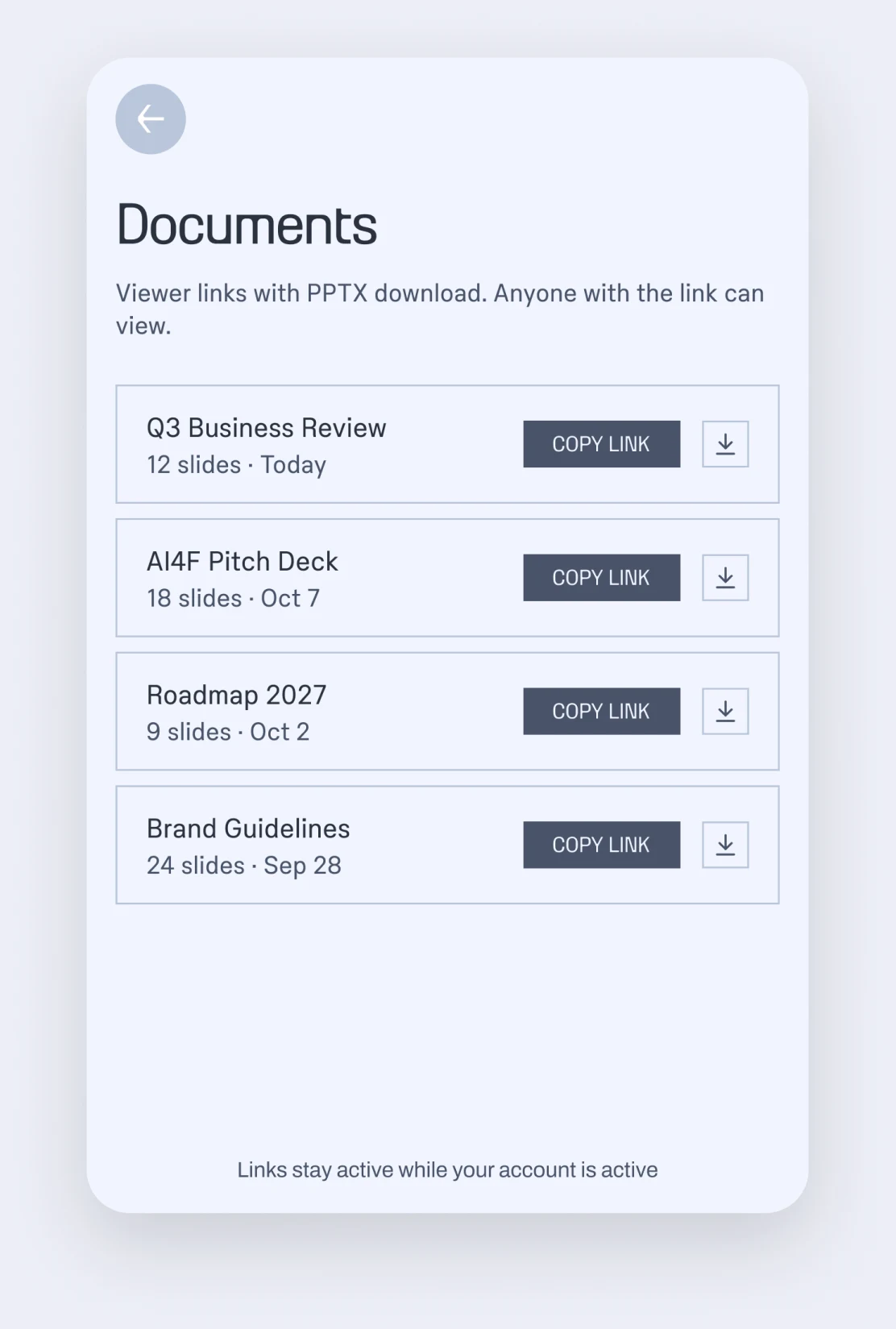
Send a viewer link with a PPTX download, or grab any deck again from Documents in the plugin.
Questions
Is my design uploaded anywhere?
The .pptx is built on your computer, inside the plugin window. Only the finished file is uploaded so that its viewer link works. Files are deleted after 180 days.
Will my fonts look right?
Text keeps its font names. To see your brand fonts, install them on the computer that opens the deck — otherwise PowerPoint substitutes a similar font, and the layout stays in place.
What doesn’t carry over?
Shadows, blurs and blend modes, because PowerPoint can’t keep them editable. Content clipped inside nested frames is exported without the clipping.
Does it work with Keynote or Google Slides?
The file is a standard .pptx, so Keynote opens it directly and Google Slides can import it. Complex gradients may look slightly different outside PowerPoint.
How do slides and credits count?
Each exported slide uses one free slide first, then one credit. Unlimited plans don’t use credits at all. Credits never expire.
How do I cancel my subscription?
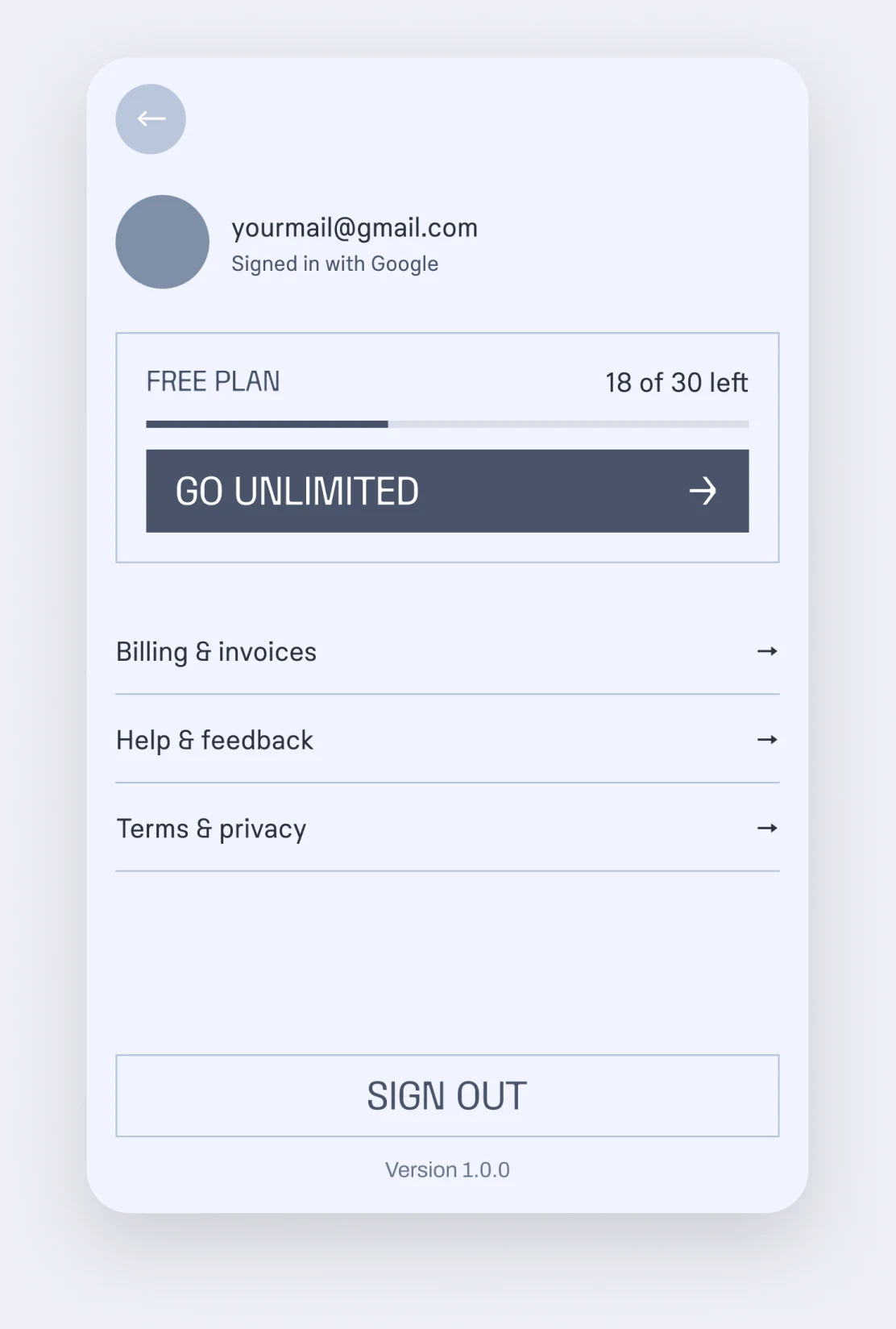
In the plugin open Account → Billing & invoices → Cancel subscription. Your plan stays active until the end of the period you paid for.
Something went wrong — who do I write to?
Email hello@figppt.ru and describe what happened — a screenshot of the frames helps.